



On Friday, 13 November 2026, very little worked at many companies: Outlook would not load, emails got stuck and meetings were missing from Teams. The Microsoft 365 outage had already begun on Thursday evening. But it hit companies in Europe in full on Friday morning, just as the working day began. Only on Friday afternoon did things largely return to normal, after more than 20 hours.
But it is not over yet. Scammers use outages like this to get hold of passwords with fake Microsoft emails. Here you can read what happened, how to spot the fake emails and what you should do now.
What happened?
It began on Thursday at 5.17 pm Swiss time with problems accessing mailboxes. Servers at Microsoft failed unexpectedly, and the remaining ones had to take on the load and became overloaded. Because Teams, SharePoint and other services depend on these servers, a problem with the mailboxes turned into an outage of all of Microsoft 365.
Microsoft spent the whole night trying to get the servers stable again. Restarts and rerouting only helped briefly each time, and servers that were running again failed once more. When work started in Europe on Friday morning, the outage had still not been fixed. Our own Microsoft 365 in Buchs was disrupted all Friday morning too and only worked normally again in the afternoon.
According to Microsoft, there is no indication of an attack. On Friday evening, Microsoft named a first cause: an error from an earlier network capacity upgrade that surfaced after a new change to the network. Microsoft has announced a detailed report.
How big was the outage?
- Duration: Around 21 hours until the recovery in Europe on Friday afternoon, a good 25 hours until Microsoft gave the all-clear on Friday evening. In Europe, Friday morning was hit hardest.
- Reach: Worldwide, from North America through Europe to Asia. Downdetector counted outage reports from 74 countries and territories. From the US alone, more than 130,000 reports about Outlook came in at the peak on Thursday evening (Swiss time). In the UK, reports rose sharply again on Friday morning as people started work.
- Impact: In Ireland, according to the broadcaster RTÉ, businesses, the police, health services and schools were affected. In India, the airline SpiceJet cancelled three flights in Delhi.
- Services: Outlook in the browser, on the computer and on the phone, calendars and meetings in Teams, SharePoint, OneDrive, Copilot and even the link protection of Microsoft Defender.
How it unfolded
Thursday, 12 November
-
Microsoft reports problems accessing mailboxes (incident EX1550543).
-
It is midday in the US, and outage reports on Downdetector peak there.
-
The outage spreads to other services such as Teams and SharePoint (incident MO1550821).
-
In the evening
Microsoft restarts servers, reroutes traffic and stops planned changes. The hoped-for relief does not come.
-
During the night
Servers that were running again fail once more. Microsoft begins to roll back a change to the network.
Friday, 13 November
-
Microsoft reports that there is no indication of an attack. By then, the outage has lasted almost 12 hours.
-
Start of work
Many companies in Europe cannot get into Outlook and Teams. In the UK, outage reports rise sharply again.
-
According to Microsoft, users still cannot connect to several Microsoft 365 services.
-
Microsoft reports a sustained recovery in large parts of Europe. Emails that were stuck are being delivered.
-
Microsoft reports a broad recovery and names a first cause.
Microsoft 365 is largely back to normal.
Some emails arrived hours late, but as things stand, nothing was lost.

Here come the fake login emails
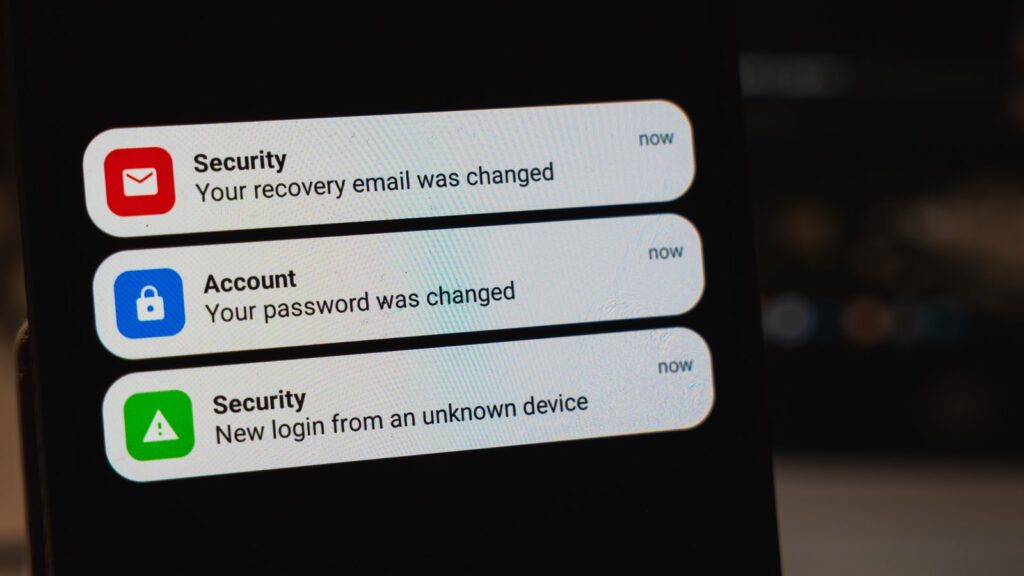
After every major outage, the same thing happens: scammers exploit the uncertainty. After the global CrowdStrike outage in July 2024, the US cybersecurity agency CISA explicitly warned of phishing emails referring to the outage. It will be no different with Microsoft 365. Expect emails like these in the coming weeks:
- "Your mailbox has been locked because of the outage. Sign in to unlock it."
- "Because of the outage, 14 messages have been held back. Release them now."
- "Confirm your Microsoft 365 account, otherwise it will be deactivated."
- "You are entitled to compensation for the outage. Please provide your bank details."
- On top of that, there are calls from supposed Microsoft staff who want to check your computer "after the outage".
The emails look real: Microsoft logo, the familiar colours, a "Sign in now" button. But the link leads to a fake login page. Anyone who enters their password there sends it straight to the scammers.
How to protect yourself
- Never sign in via a link in an email. Type outlook.office.com yourself or use your bookmark.
- Check the address in your browser. The real Microsoft sign-in runs via login.microsoftonline.com. If it says anything else there, don't enter anything, even if the page looks genuine.
- Microsoft will not call you and does not send compensation by email. You only get a credit if your company requests it itself (more on this below).
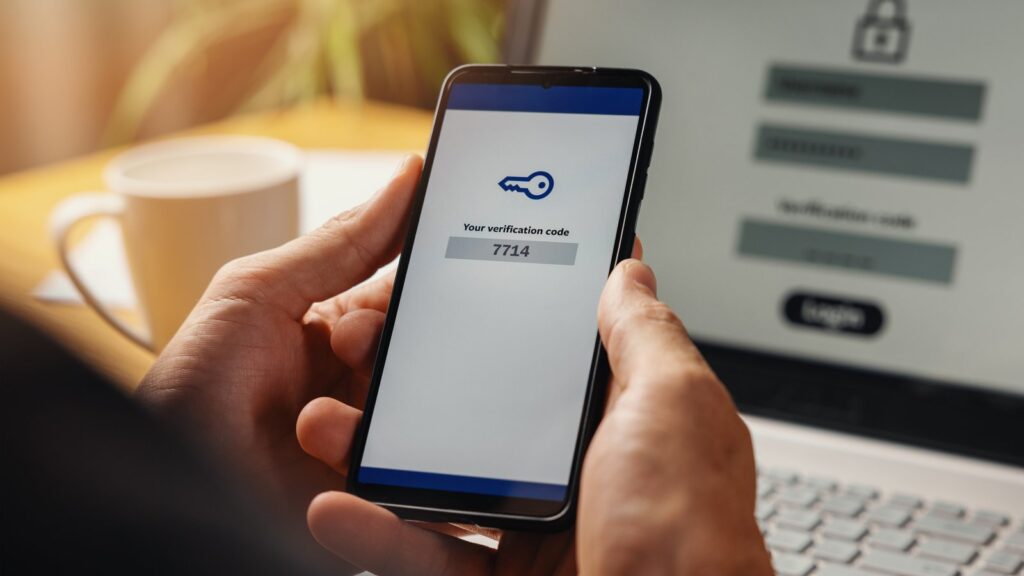
- Turn on two-factor sign-in or use a passkey. Then a stolen password alone is not enough.
- Forward suspicious emails to reports@antiphishing.ch, the reporting office of the Swiss Federal Office for Cybersecurity (FOCS). Then delete them.
- Already entered your password? Change it immediately and call us on +41 81 756 00 30.
You will find more examples and warning signs in our article about phishing emails.
Why your firm receives phishing emails and how to put a stop to them
What does this mean for you?
- Don't resend emails. Anything that got stuck during the outage will be delivered. If an important reply is still missing after two days, ask the sender.
- Don't reinstall Outlook. You don't need to set up your profile again either. The problem was at Microsoft, not on your computer. You also don't need to change your password because of the outage, unless you entered it on a fake page.
- Save the status page. Bookmark status.cloud.microsoft. The next time there is an outage, you will see straight away whether Microsoft is the cause.
- Agree on an emergency channel. If email and Teams go down, your team needs another way to reach each other, for example an up-to-date phone list.
- Check for a service credit. Microsoft promises 99.9 per cent availability per month for Exchange Online. If it falls short, there is a credit, but only on request. The request is made by whoever manages Microsoft 365 at your company, via support in the Microsoft 365 admin center, quoting incident numbers EX1550543 and MO1550821. The deadline is short: about one month after the end of the billing month. If you get Microsoft 365 through a partner, ask them.
Sources: Microsoft 365 admin center (incidents EX1550543 and MO1550821), The Register, azureblog.co.uk, KBY Technologies (with figures from Downdetector, CBS News and RTÉ), CISA (warning of 19 July 2024), Swiss Federal Office for Cybersecurity (FOCS), Microsoft Learn (service credits). As of 13 November 2026.